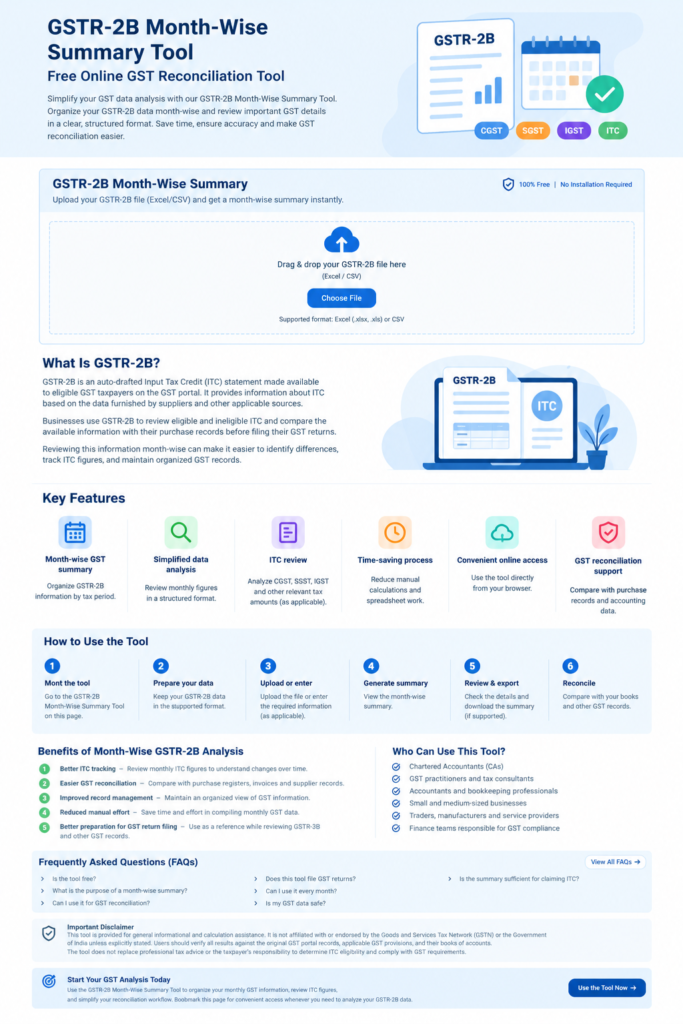
GSTR-2B Month-Wise Summary Tool
GSTR-2B Month-Wise Summary Tool – Free Online GST Reconciliation Tool
Simplify your GST data analysis with our GSTR-2B Month-Wise Summary Tool. This free online tool helps you organize your GSTR-2B data month-wise and review important GST details in a clear, structured format.
Whether you are a business owner, accountant, GST practitioner, or tax professional, this tool can help you save time when reviewing monthly Input Tax Credit (ITC) details and preparing GST reconciliation reports.
Use Our Free GSTR-2B Month-Wise Summary Tool
Use the tool below to generate a month-wise summary of your GSTR-2B data. Follow the instructions provided in the tool to upload or enter your data and view the summary.
[Insert your GSTR-2B Month-Wise Summary HTML Tool here]
What Is GSTR-2B?
GSTR-2B is an auto-drafted Input Tax Credit (ITC) statement made available to eligible GST taxpayers on the GST portal. It provides information about ITC based on the data furnished by suppliers and other applicable sources.
Businesses use GSTR-2B to review eligible and ineligible ITC and compare the available information with their purchase records before filing their GST returns.
Reviewing this information month-wise can make it easier to identify differences, track ITC figures, and maintain organized GST records.
Key Features of the GSTR-2B Month-Wise Summary Tool
Month-wise GST summary: Organize GSTR-2B information by tax period.
Simplified data analysis: Review monthly figures in a structured and easy-to-understand format.
ITC review: Help analyze available CGST, SGST, IGST, and other relevant tax amounts, depending on the data supported by the tool.
Time-saving process: Reduce repetitive manual calculations and spreadsheet work.
Convenient online access: Use the tool directly from your browser without installing additional software.
GST reconciliation support: Use the summary as a starting point for comparing GSTR-2B figures with purchase records and accounting data.
Features and output depend on the functionality implemented in the tool.
How to Use the GSTR-2B Month-Wise Summary Tool
Follow these simple steps:
Open the GSTR-2B Month-Wise Summary Tool on this page.
Prepare your GSTR-2B data in the format supported by the tool.
Upload the file or enter the required information, as applicable.
Generate the month-wise summary.
Review the monthly tax amounts and other available details.
Export or download the summary if your tool supports this feature.
Compare the results with your books of accounts and other relevant GST records.
Always verify the output against the original GSTR-2B statement before using it for accounting or GST return preparation.
Benefits of Month-Wise GSTR-2B Analysis
Analyzing GSTR-2B month-wise helps businesses and tax professionals maintain better control over their GST records.
1. Better ITC tracking
Review monthly ITC figures to understand changes in available input tax credit over time.
2. Easier GST reconciliation
Compare the monthly summary with purchase registers, supplier invoices, and accounting records to identify discrepancies requiring further investigation.
3. Improved record management
Maintain an organized view of GST information for different tax periods.
4. Reduced manual effort
A structured summary can reduce the time required to compile and review monthly GST data.
5. Better preparation for GST return filing
Use the summarized information as a supporting reference while reviewing GSTR-3B and other relevant GST records. The summary itself does not determine the final ITC claim.
Who Can Use This Tool?
The GSTR-2B Month-Wise Summary Tool may be useful for:
Chartered Accountants (CAs)
GST practitioners and tax consultants
Accountants and bookkeeping professionals
Small and medium-sized businesses
Traders, manufacturers, and service providers
Finance teams responsible for GST compliance
Frequently Asked Questions (FAQs)
1. Is the GSTR-2B Month-Wise Summary Tool free?
Yes, this tool is intended to provide a convenient way to summarize GSTR-2B information online. Any usage restrictions will depend on how the tool is configured.
2. What is the purpose of a month-wise GSTR-2B summary?
It helps organize GSTR-2B figures by tax period so users can review monthly ITC information, compare tax amounts, and support GST reconciliation.
3. Can I use this tool for GST reconciliation?
Yes. The summary can support reconciliation by making monthly figures easier to review. You should still compare the information with your purchase register, invoices, supplier records, and applicable GST rules.
4. Does this tool file GST returns?
No. The tool is designed to summarize data, not to file GST returns, unless separate filing functionality has specifically been implemented.
5. Can I use this tool every month?
Yes. You can use it to review data for different tax periods, subject to the file formats and features supported by the tool.
6. Is my GST data safe when using this tool?
Data handling depends on how the HTML tool is developed and hosted. If it processes files entirely within your browser without transmitting them to a server, the data can remain on your device during processing. Please verify the tool’s actual implementation before uploading confidential business information.
7. Is the summary sufficient for claiming ITC?
No. The summary is a review aid only. ITC eligibility must be determined based on applicable GST law, supporting documents, reconciliation, and other relevant conditions.
Important Disclaimer
This tool is provided for general informational and calculation assistance. It is not affiliated with or endorsed by the Goods and Services Tax Network (GSTN) or the Government of India unless explicitly stated.
Users should verify all results against the original GST portal records, applicable GST provisions, and their books of accounts. The tool does not replace professional tax advice or the taxpayer’s responsibility to determine ITC eligibility and comply with GST requirements.
Start Your GST Analysis Today
Use the GSTR-2B Month-Wise Summary Tool to organize your monthly GST information, review ITC figures, and simplify your reconciliation workflow.
Bookmark this page for convenient access whenever you need to analyze your GSTR-2B data.